- Published
- August 2026
- Length
- 12 pages
- Written for
- Office managers, finance managers, accounts teams and practice managers.
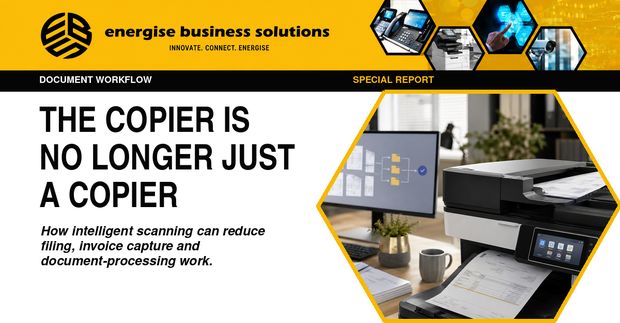
The opportunity is not to make the copier more impressive. It is to remove the repeated steps that begin after someone presses Scan: separating pages, naming files, typing invoice details, finding the right approver and filing the record where someone else can retrieve it.
What the report covers
- What the device itself can do
- Where OCR ends and rules or machine learning begin
- Intelligent document capture and invoice automation
- Licences, connectors and integration
- Where human review remains essential
- Running a small pilot with your own documents
Key points
- A modern MFP can capture paper cleanly and send it to email, a folder, cloud storage or a document platform, with searchable PDF through OCR and secure print release.
- The more valuable steps usually happen in software beyond the machine: classifying mixed batches, splitting documents, extracting fields, applying naming rules and passing the result into an approval or accounting workflow.
- Invoice-focused versions are commonly sold as automated invoice scanning or accounts-payable automation; the underlying approach is intelligent document capture.
- Do not buy an "AI copier". Choose one administrative process, map every step, and confirm which combination of device, software, licence, connector and human control actually improves it.
Read the full report
The complete report, with the checklists and the decision record, is free to download.