
 While stocks last
View the full flyer
Enquire about this offer
While stocks last
View the full flyer
Enquire about this offer
Summer Specials
The heat is going up. So are our specials.
Six packages on a 60-month rental, each with an 18 000 BTU inverter aircon and back-to-back installation included. Tap any flyer to see the full offer.
1 Oct – 31 Dec 2026
While stocks last
While stocks last
View the full flyer
Enquire about this offer
 While stocks last
View the full flyer
Enquire about this offer
While stocks last
View the full flyer
Enquire about this offer
 While stocks last
View the full flyer
Enquire about this offer
While stocks last
View the full flyer
Enquire about this offer
 While stocks last
View the full flyer
Enquire about this offer
While stocks last
View the full flyer
Enquire about this offer
 While stocks last
View the full flyer
Enquire about this offer
While stocks last
View the full flyer
Enquire about this offer
 While stocks last
View the full flyer
Enquire about this offer
While stocks last
View the full flyer
Enquire about this offer
T&Cs apply. All offers are subject to availability and are valid while stocks last. Prices exclude VAT where applicable. All offers are on a 60-month rental and are valid from 1 October to 31 December 2026. Images are for illustrative purposes only. Stock-dependent items may be substituted with equivalents.
Products & solutions
One provider for every line in your office
Bespoke packages built around your industry. Take one service or bundle them on a single monthly invoice.
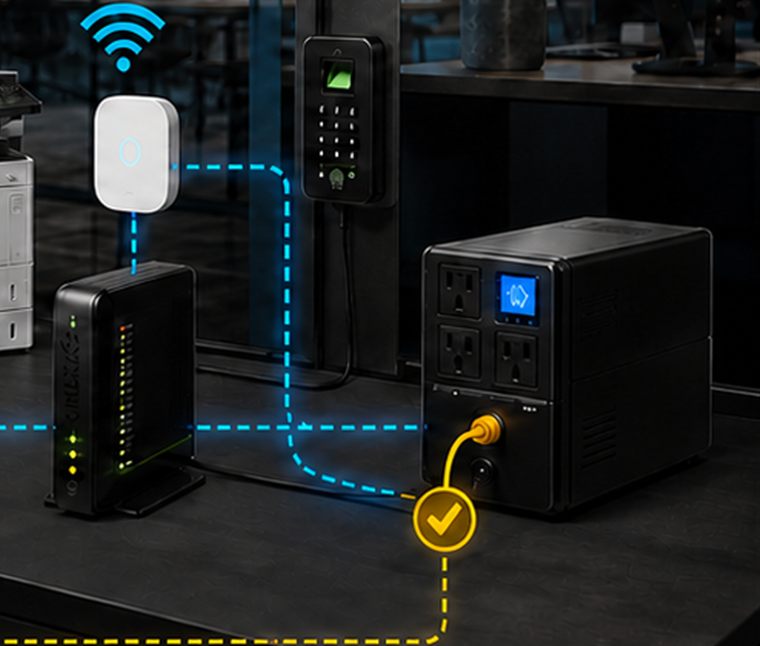
Business FibreHigh-speed internet with national coverage
Business fibre with reliable coverage across South Africa, installed and supported by our own team.
UncappedBusiness SLABackup options
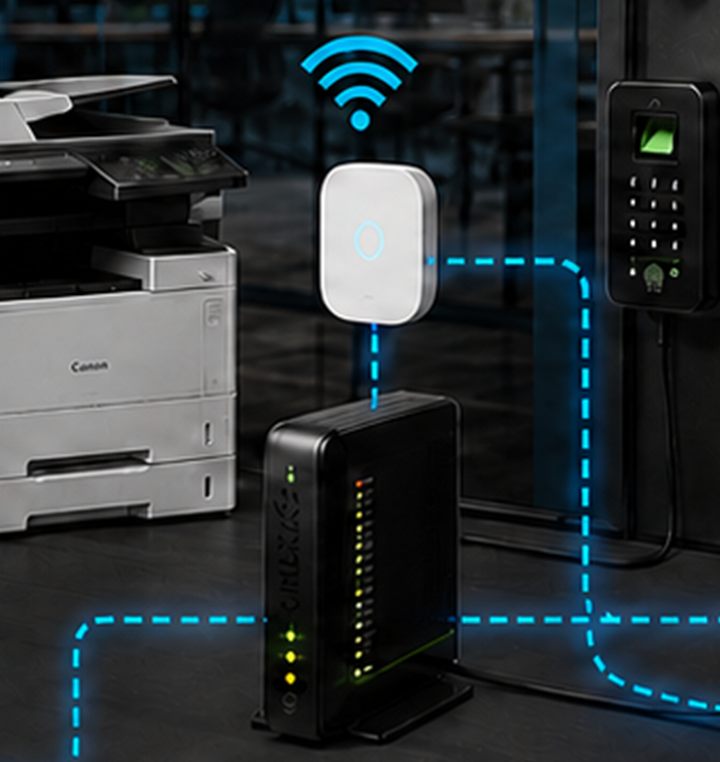
Wireless InternetQuick-deploy, carrier-grade
Speeds comparable to fibre where trenches don't reach, in town or on the farm. Live in days, not months.
Fast installUrban & remoteFibre failover
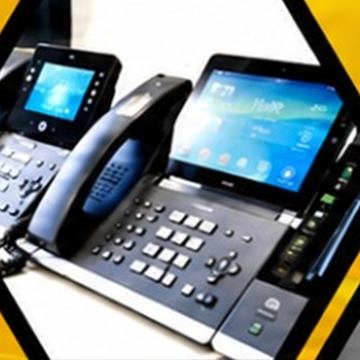
VoIP & Virtual PBXCloud phone systems
Save up to 80% against traditional phone systems. Unlimited calls on a fixed monthly fee, free internal calls, and keep your existing numbers.
Unlimited callsNumber portingPay per channel
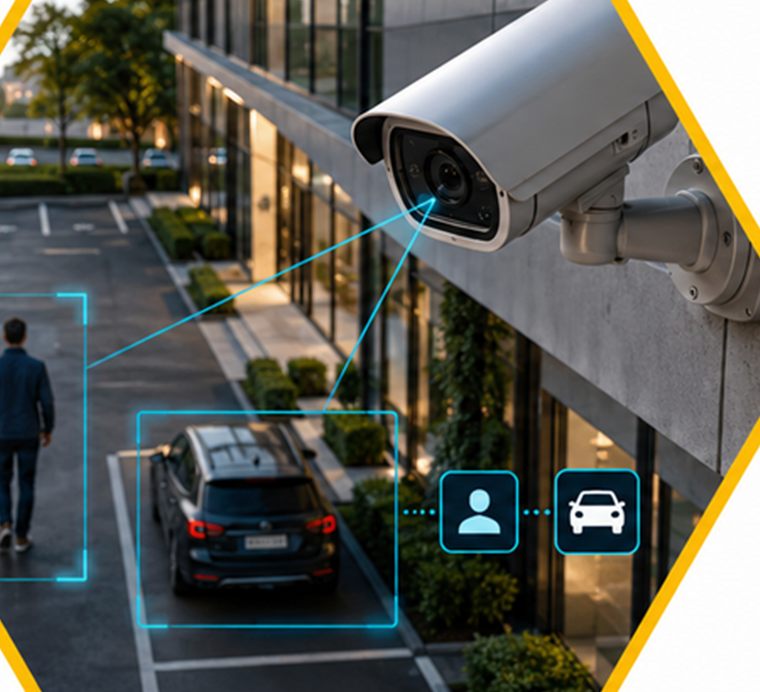
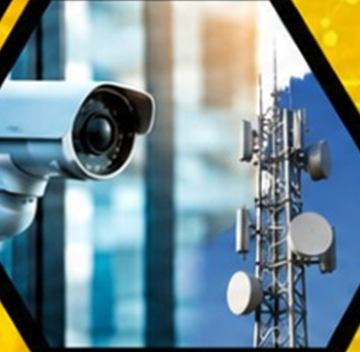
CCTV & SurveillanceInstall, service & monitor
Camera systems designed around your site and retrofitted to existing infrastructure, with remote viewing on your phone.
AI detectionRetrofitRemote view
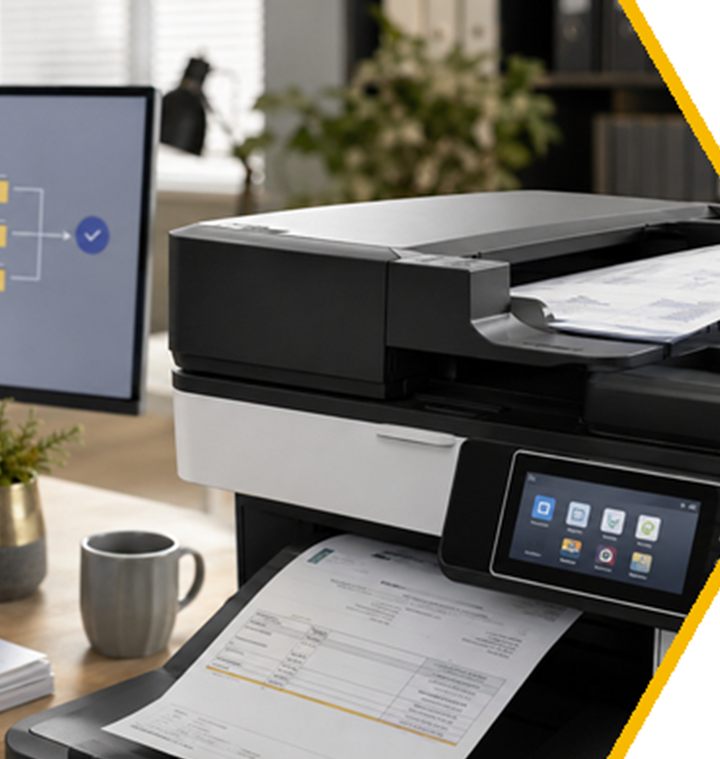
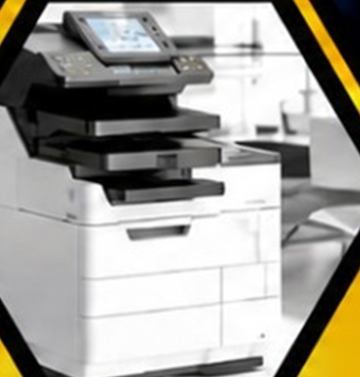
PrintersCommercial & industrial
Multifunction and production printers for professional environments, with service and supplies contracts.
Rental or buyScan to emailOn-site service
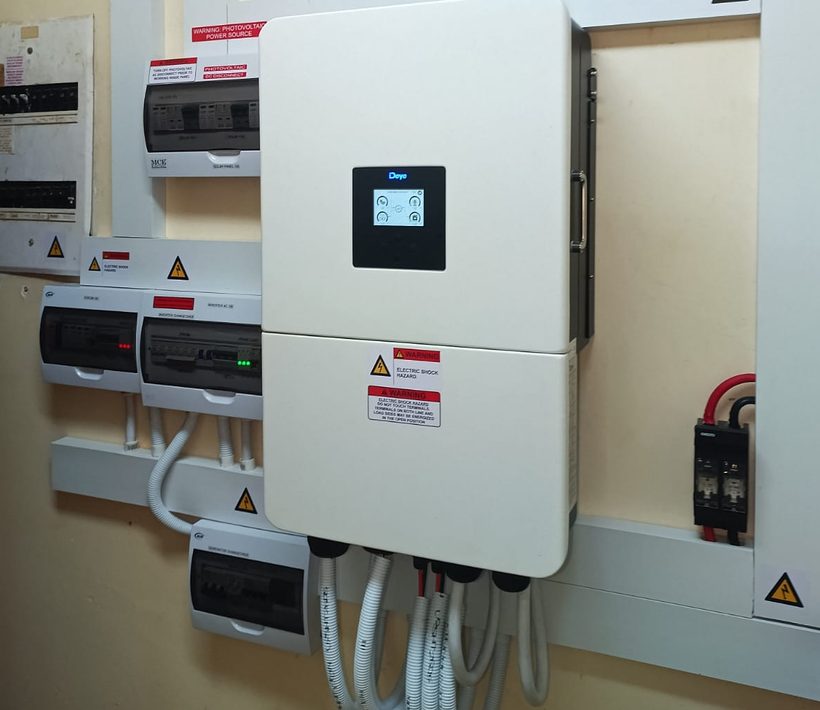
Solar & Backup PowerKeep trading through an outage
Solar and battery systems sized to the load that must stay on: the network, phones, cameras and the office. Supplied, installed and maintained by our own technicians.
Load assessmentPanels & inverterBattery backup
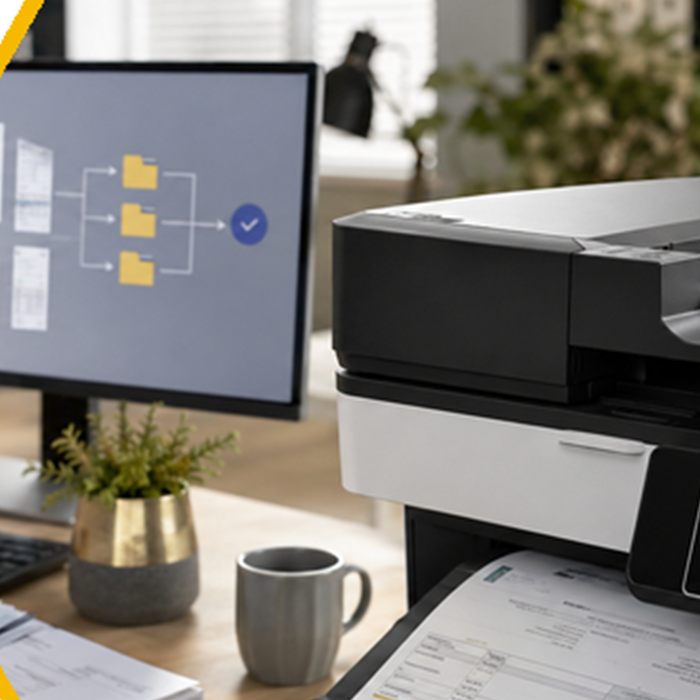
Workflow AutomationLess admin, more progress
Take repetitive tasks off your team's desks: invoice capture, document filing, approvals and routine processes.
Invoice captureDocument routing
Solar & backup power
Keep trading when the power doesn't
We supply and install solar and battery backup for businesses. The same team that keeps your fibre, phones and cameras running sizes the system that keeps them powered, so nothing is left to a second supplier to argue about.
AssessmentWe measure what you actually use, and what must stay on when the grid drops.
PanelsRoof-mounted PV sized to your consumption and available roof area.
InverterSwitches to battery without interrupting the office.
BatteriesStorage sized to cover your essential load for a defined number of hours.
Install & supportInstalled, commissioned and maintained by our own technicians.
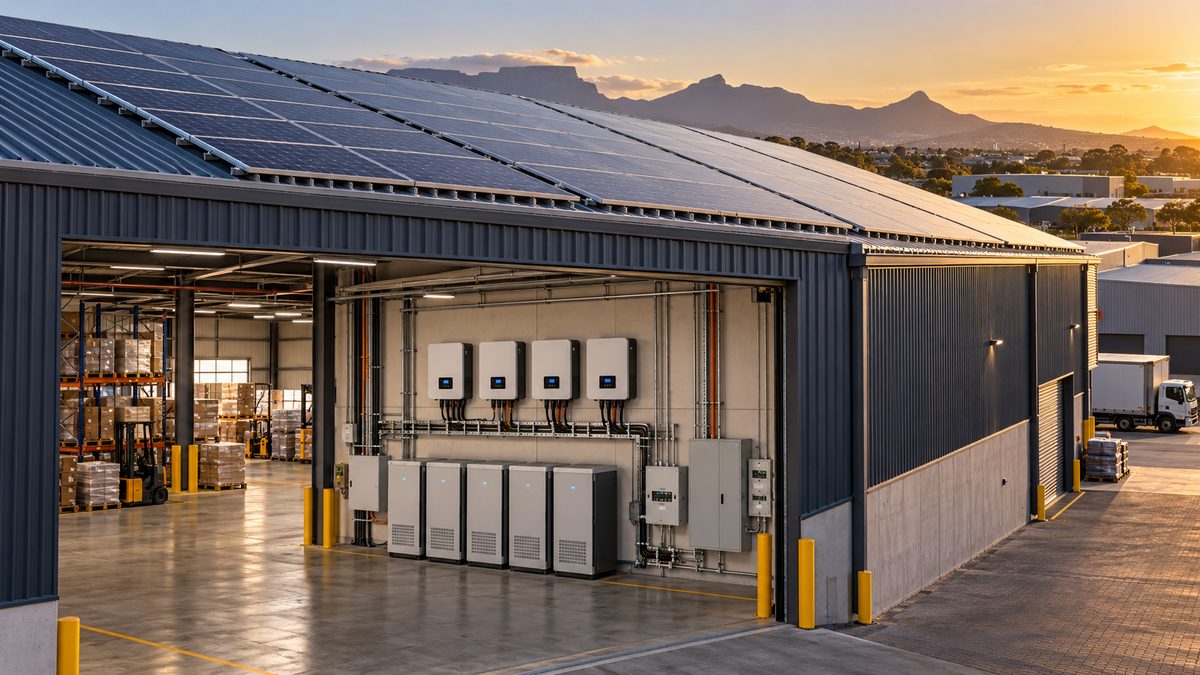
- Panels · generating
- Battery · charging
- Essential load · protected
Free tool · 60 seconds
Phone Bill Check
Enter what you pay for your current phone system. We'll estimate what switching to Energise cloud voice could save you, and what your calls would cost on our unlimited plan.
- No sign-up to see your estimate
- Email yourself the full breakdown
- A consultant confirms real pricing
Example business · edit the numbers
R0estimated saving per month
…
Indicative only. Assumes about 70% of line and PBX rental falls away, about 40% is saved on call charges, and a total saving capped at 80%. Energise confirms real pricing for your site.
Recent work
Projects we have completed
Full installations delivered and supported by our own teams, across connectivity, voice, security, print and power.
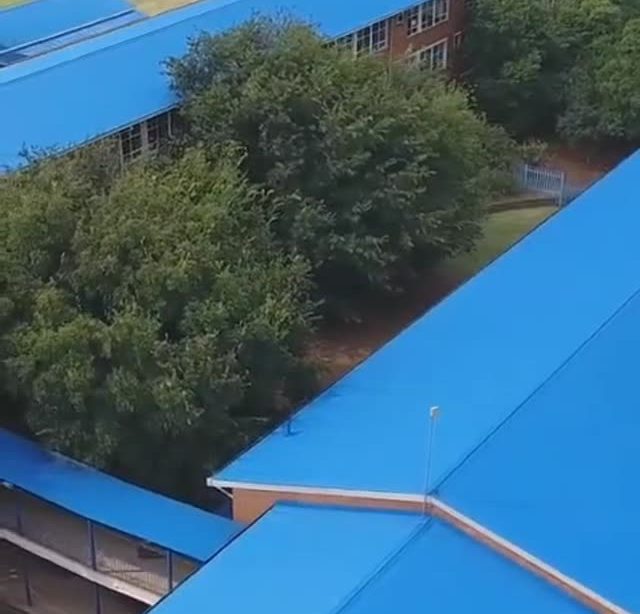
Riverside High School · Secondary school · 2026
One supplier, one monthly amount, live in two and a half weeks
The school came to us with three problems: Wi-Fi that did not reach the classrooms, a phone system dropping calls it could no longer carry, and no way to see what happened in corridors and classrooms. We were one of five suppliers who quoted. They chose us, and we replaced the lot as a single working system.
- Cameras
- 100
- Cat 6 cable
- 8 km
- Installed in
- 2.5 weeks
- Allowed
- 4 weeks
What we installed
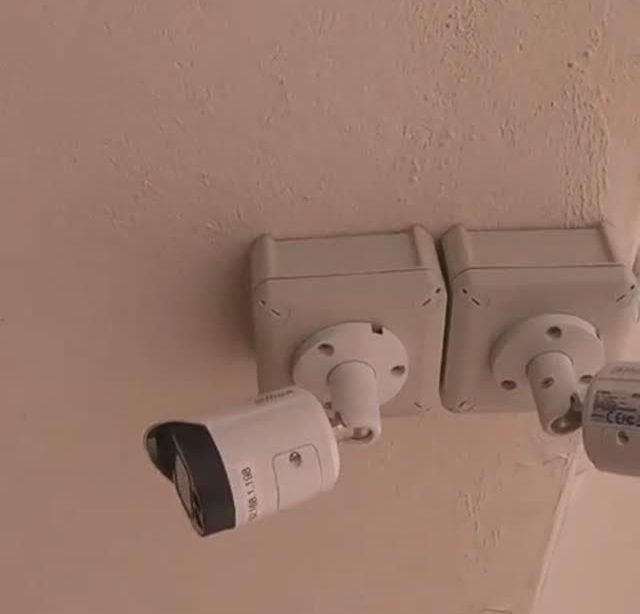
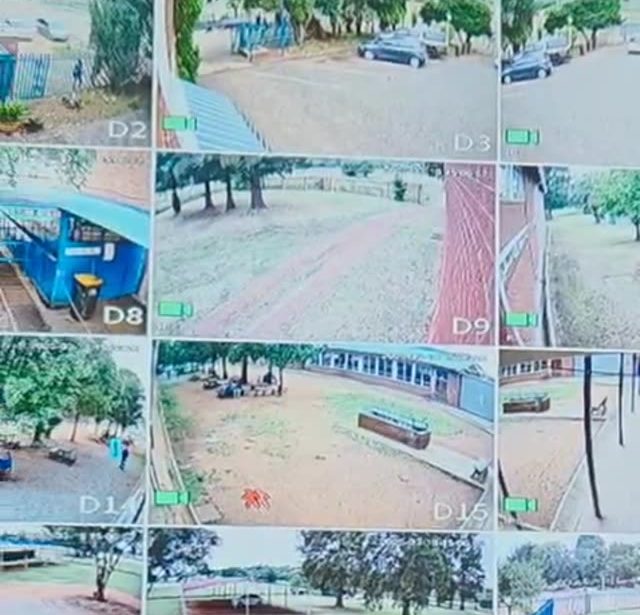
- Surveillance: a 128-channel system with 100 full IP 4-megapixel cameras with audio, covering entrances, corridors, stairwells and classrooms, over 8 km of Cat 6 on a full gigabit network.
- Voice: a 15-extension cloud PBX carrying 15 concurrent calls, with call recording and user PIN codes to prevent abuse. No PBX box on the wall.
- Wi-Fi: a full mesh covering the whole property, from the front gate to the sports fields, with 30 gigabit access points and separate networks for voice, offices, staff and guests.
- Network: nine cabinets with their own PoE switches and backup power, behind an enterprise firewall that gives the school full control of who is on the network.
- Connectivity: 300 Mbps uncapped business fibre with a premium SLA.
- Viewing: two 43-inch screens, one at reception and one in the principal's office, plus secure remote access by app or web portal from anywhere.
The two things others could not do
- Fibre they were told did not exist. Three of the five suppliers who quoted reported that there was no fibre in the area. We installed it.
- A camera 200 metres from the nearest building. Instead of trenching across the school's sports fields, we put the PTZ camera on a custom pole and bracket and linked it back over a point-to-point wireless connection carrying the same network. It pans automatically and does number-plate, intrusion, animal and human detection.
How it was paid for
The whole installation went in on a rental agreement: no installation fee, no deposit and no capital outlay. The school pays one fixed monthly amount with no escalation, covering every service and a premium SLA across all of them, which is a figure the governing body could budget and approve up front.
Cameras in the classrooms help us manage discipline, and settle questions about what happened during an exam. The phone system could not carry our calls. And we needed internet that reaches every class, so our lessons mean something to the learners. What I valued most was the consultation: they told us when they were coming and they were there. We have recommended them to other schools.
Why Energise
Quality you can hear
Enterprise-grade infrastructure, engineered and supported by our own technicians, from the line into your building to the handset on the desk.
80%
Potential saving over traditional phone systems.
∞
Unlimited voice calls, on one fixed monthly fee.
25+
Years of hands-on experience across our team.
1
Provider, one invoice and one number to call for support.
Network backbone
Your office, straight onto the core
Your voice runs on an enterprise-grade Tier 1 voice network backbone, interconnected with South Africa's major mobile networks. That means clearer calls, fewer drops and rates we can keep competitive.
VaalHead office · The Hive Business Park, Vanderbijlpark. Serving Vanderbijlpark, Vereeniging, Sasolburg & Meyerton.
Garden RouteGeorge branch · Serving George, Mossel Bay, Knysna & Oudtshoorn.
NationalFibre and cloud voice anywhere in South Africa.
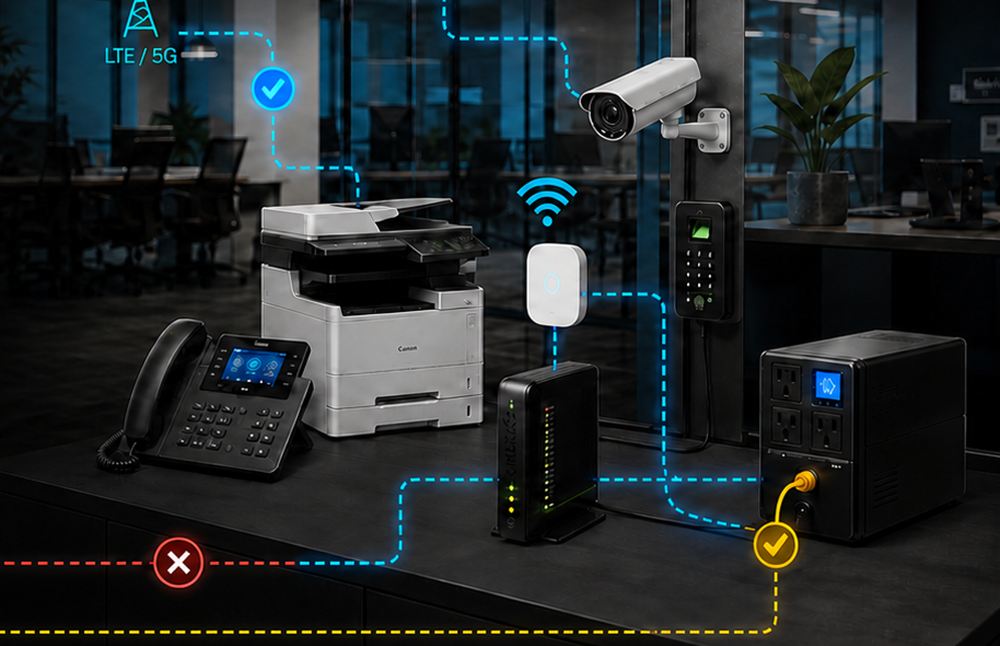
- Fibre · online
- LTE backup · ready
- Voice · 5 calls live
- Power · on UPS
Insights
Special reports for South African businesses
Practical, fact-checked guides written for owners, office managers and finance managers. Free to read, no sign-up.
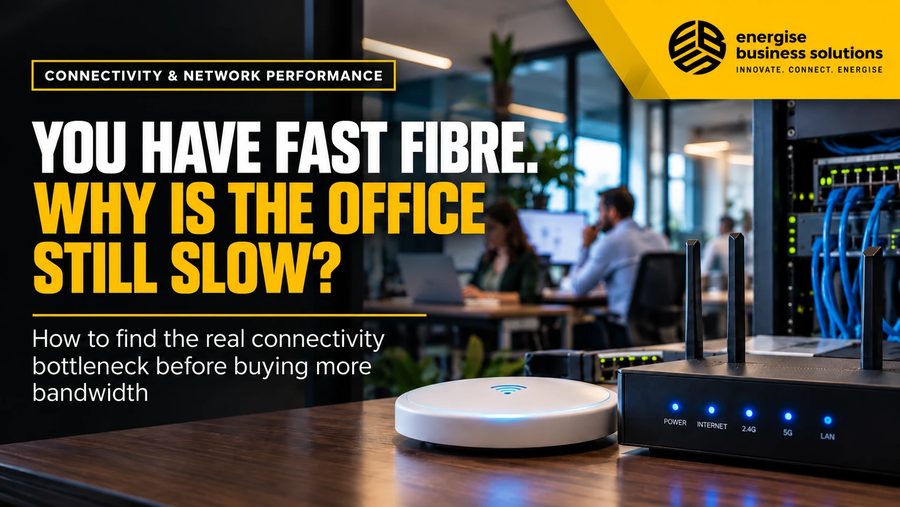
You have fast fibre. Why is the office still slow?
A faster package does not create a faster office. The experience sits across a chain: the line, the router or firewall, the switches and cabling, the Wi-Fi, the device and the application at the far end. A bottleneck anywhere makes a 200 Mbps line feel slow. Diagnose the path before approving an upgrade, and spend the money on the part that is actually limiting the business.
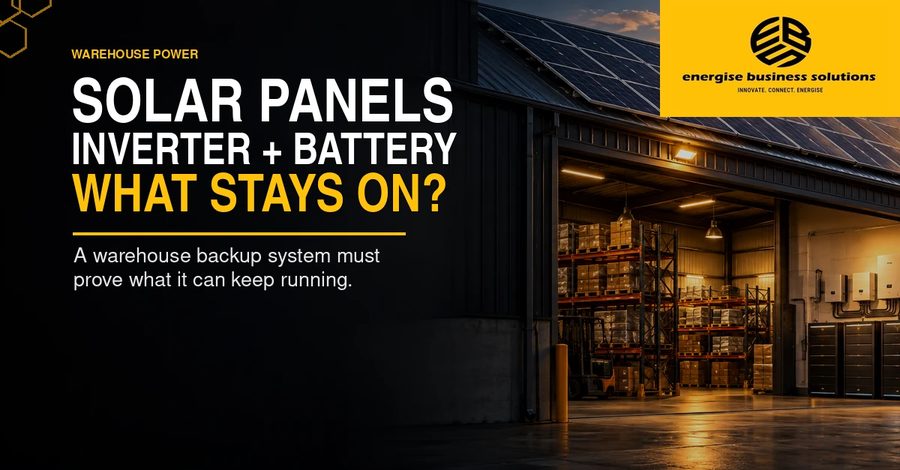
Solar panels, inverter and battery: what stays on?
A warehouse can have panels on the roof and still lose its internet, cameras, access control and dispatch workstation when the grid fails. What stays on depends on the inverter, batteries, circuits and changeover, not the panel count. Agree the essential loads, the hours they must run and the acceptance test before comparing quotations.
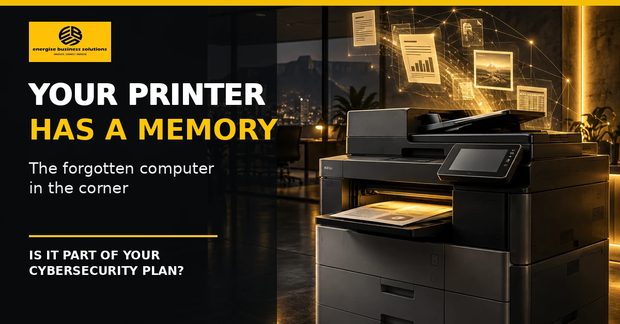
Your printer has a memory
A multifunction printer scans, emails, authenticates users and stores job data, yet rarely appears in the asset register. Includes a 15-minute security check.
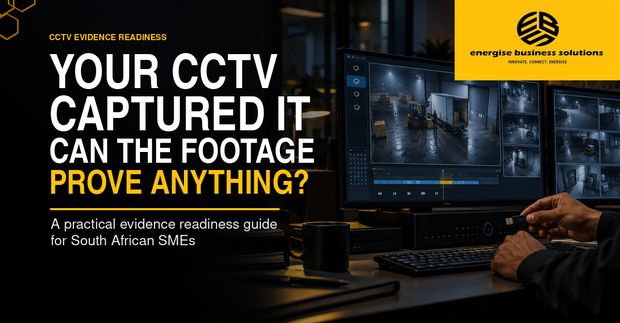
Your CCTV captured it. Can the footage prove anything?
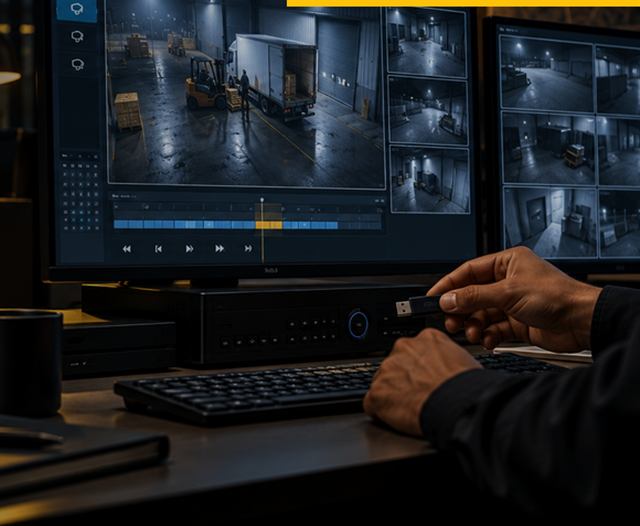
A recording can exist without becoming useful evidence. How to test image quality, clocks, retention, export and access before the day you urgently need the file.
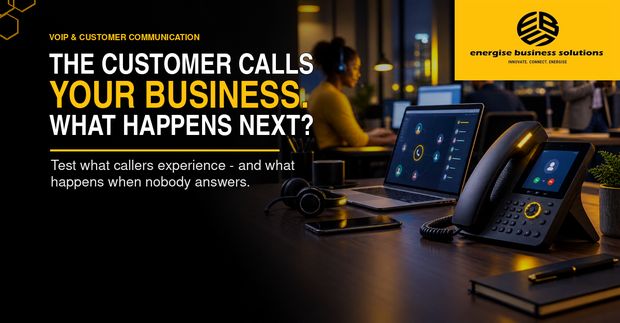
The customer calls your business. What happens next?
Test what callers actually experience, read the call data your phone system already produces, and turn missed calls into management action with a five-day call audit.
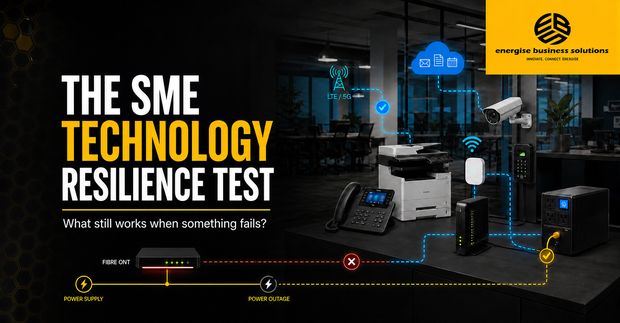
The SME Technology Resilience Test
What still works when something fails?
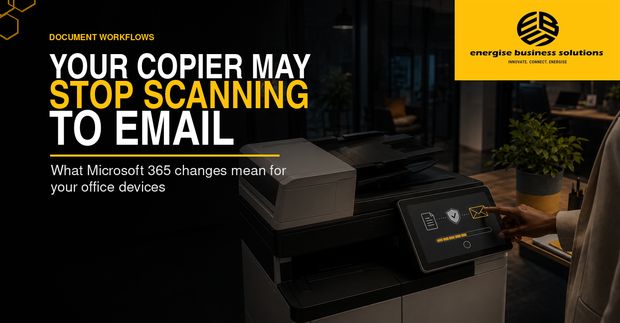
Your copier may stop scanning to email
What the Microsoft 365 authentication changes mean for your devices.
More reports
Document workflows
The copier is no longer just a copier
How intelligent scanning cuts filing and invoice capture, and where OCR ends.
Security technology
What can an AI security camera actually see?
Smarter alerts and faster searches, and the limitations buyers are seldom told about.
Cybersecurity
The office devices your cybersecurity policy forgot
Printers, PBX, routers and cameras sit inside the security perimeter whether the policy says so or not.
Workplace technology
The SME Office Technology Health Check
What to review before you renew, replace or upgrade anything.
Connectivity
Should we take fibre or wireless internet for our business?
Fibre is the first choice where it is available at your premises and the timeline suits you. Business wireless uses carrier-grade equipment, reaches sites where fibre has not been laid, and can be installed in days rather than months. Many businesses use one as the main link and the other as backup, so that a single cable fault does not stop calls, card payments and cloud work at the same time.
What happens to our internet, phones and card machines when the fibre goes down?
They usually fail together, because they share the same line. A fibre fault can affect voice calls, cloud applications, card payments, remote access, scanning and off-site camera monitoring at once. That is why a second, independent link matters more than a faster single line. We design the failover so that essential work continues at an acceptable level while the main link is repaired.
Is a spare internet line the same as resilience?
No. A spare component is redundancy. Resilience is the tested ability to anticipate a failure, keep working through it, recover cleanly and improve the design afterwards, following the widely used definition of anticipate, withstand, recover and adapt. The weak point is usually a shared dependency: one router, one power circuit, one mobile network, one SIM with an expired data bundle, or one person who knows how the failover works.
Which business functions should keep working during an outage?
Decide that before it happens. Name the functions that must continue for four hours even at a reduced level, map each one to its full chain of power, connectivity, network, cloud, device, supplier and people, then test it. Our SME Technology Resilience Test report sets out a four-hour survival test you can run yourself.
Phones and VoIP
How much can we save by moving from a traditional phone system to VoIP?
Savings come from three places: no PABX hardware or line rental, free calls between your own extensions, and lower call rates over SIP. How much depends on what you pay today for rental against actual call charges, so an honest answer needs your current invoice. Use our Phone Bill Check for an indication, then we confirm real figures for your site.
Can we keep our existing business phone numbers?
Yes. Existing numbers are ported onto our network, so customers keep dialling the number they know. New numbers can also be issued where you need them.
How does the unlimited calls plan work?
A fixed monthly fee covers unlimited voice calls, no matter how many extensions you have. We size the system to the number of calls you need to handle at once, so the busiest hour of your week still goes through.
What does a Tier 1 voice network backbone mean for us?
Your calls are carried on enterprise-grade infrastructure interconnected with South Africa's major mobile networks, rather than on a consumer service. It is the difference between a phone system that holds up when twenty people are on calls at once and one that does not. Support stays with us: we design, install and maintain the whole chain.
Our phones ring but customers still do not reach anyone. What should we look at?
Treat it as an operating-design problem, not only a technical fault. Management should be able to say how many incoming calls last week were answered, abandoned or never answered, which numbers and times of day fail most often, who owns a missed call, and what happens when staff are busy, remote or logged out. A five-day customer-call audit, starting with test calls and reconciling call reports against real outcomes, usually finds the problem quickly.
What happens to incoming calls when the power or the fibre fails?
That must be designed in advance. Cloud voice keeps running while your router and handsets have backup power, and calls can be routed automatically to mobile phones, to a queue, or to an after-hours message that gives the caller a useful next step. Testing that behaviour is part of any installation we do.
CCTV and security
What can an AI security camera actually see?
In most commercial systems, AI means software that classifies objects, applies defined rules and makes events searchable. Useful functions include telling people from vehicles, detecting movement across a virtual line, alerting when someone stays in a restricted zone, searching recordings by event, and reading number plates where the camera and the scene are designed for it. It does not understand intent, and it can miss genuine events.
Will an AI camera stop false alarms?
It can reduce nuisance alerts, but camera position, lighting, weather, object speed, obstructions and configuration all affect performance. The buying question is not which AI camera to purchase, but which event must be detected, under what conditions, who verifies it and what happens next. An important alert still needs a trained person to confirm what happened.
Our cameras recorded an incident. Why might the footage still be useless?
Recording is only the first step. Businesses discover too late that the image lacked detail, the recorder clock was wrong, the footage had already been overwritten, or the exported file plays only in unfamiliar proprietary software. Useful evidence depends on image quality, correct time, enough retention, controlled access, reliable export and a documented handover.
How do we know our CCTV would stand up when we need it?
Run a short monthly evidence readiness test. You should be able to retrieve a known event without calling the installer, have an ordinary authorised recipient open the exported file, rely on the date, time and camera identity, show who exported, viewed and handed over the footage, and justify your retention and access practice under POPIA.
Printers, copiers and scanning
Why might our copier stop scanning to email?
Because of how it signs in to Microsoft 365, not because of the scanner. Microsoft is phasing out Basic Authentication for SMTP AUTH in Exchange Online. On its January 2026 timetable, behaviour stays unchanged through December 2026, after which Basic Authentication is disabled by default for existing tenants, although administrators can still re-enable it temporarily. The final removal date is expected to be announced in the second half of 2027. Devices that sign in with a stored username and password may need supported firmware, OAuth 2.0, newer TLS security and changes inside Microsoft 365, and some older models cannot support the required combination at all.
What should we do about it before it becomes an office emergency?
List every printer, scanner, application and device that sends mail through your Microsoft 365 environment, confirm how each one authenticates, check that the exact model and firmware support OAuth 2.0 and the required TLS cipher suites, decide who may change the device, Microsoft 365 and network settings, and test the replacement configuration before the deadline. We run this as a short review of your device fleet.
Is our printer a security risk?
A modern multifunction printer is a networked computer that prints, copies, scans, emails, authenticates users and, depending on the model, stores job data. The risk begins when nobody knows what the device can store, who administers it, where scans are sent, or what happens to its data when it leaves. Five questions start the review: who has administrator access and are default passwords still active; is the firmware supported and current; which scan, email, cloud and folder destinations are configured; does the device hold internal storage and how is it protected; and what verified sanitisation applies before return, resale, repair or disposal.
What is the riskiest moment in a printer's life?
When it leaves the premises. A machine going back at the end of a rental may have scanned identity documents, banking confirmations, employment contracts, customer orders and payroll information, and may still hold its configured scan destinations. Sanitisation before return, resale, repair or disposal should be a verified step with a record, not an assumption.
Can a copier really automate our invoice processing?
Partly. The device captures paper cleanly and sends it to email, a folder or cloud storage, and OCR can make a PDF searchable. The valuable steps usually happen in software beyond the machine: classifying mixed batches, telling where one document ends and the next begins, extracting supplier, invoice number and date, naming files by rule, and passing the result into an approval or accounting workflow. Do not buy an AI copier. Choose one process, map every step, and pilot it with your own documents before committing.
Cybersecurity and POPIA
Which office devices do cybersecurity policies usually forget?
Printers, hosted PBX, routers, Wi-Fi access points, CCTV and access control. Policies concentrate on email, laptops and cloud accounts, which is necessary but incomplete. The gap is rarely a lack of sophisticated software; it is no complete asset list, no named owner, shared administrator passwords, uncertain firmware status, forgotten remote access, and no controlled process when equipment is replaced or returned.
What does POPIA require of these devices?
Scanned identity documents, employee records, call recordings, camera footage and access logs can all contain personal information, and POPIA requires appropriate, reasonable technical and organisational safeguards. The Information Regulator reported 2,374 security-compromise incidents in the 2024/25 financial year, up from roughly 1,700 the year before, with reported compromises continuing to climb into 2025/26. Those figures cover many causes, but they are a fair reminder that ordinary controls matter.
Where should a small business start?
List every connected office device and record who owns the risk internally, replace default or shared administrator credentials and use multi-factor authentication where the platform supports it, track firmware, support status, enabled services and remote access, and separate device networks from everyday staff and guest use.
Working with Energise
What does Energise Business Solutions do?
We are a full-service ICT provider for South African businesses: business fibre, wireless internet, VoIP and hosted PBX, CCTV and surveillance, commercial and industrial printers, and workflow automation. Running on an enterprise-grade Tier 1 voice network backbone, we deliver connectivity, voice, print and security from one supplier on one account.
Which areas do you cover?
Fibre and cloud voice are available nationally. On-site work such as CCTV installations, printer service and wireless installs is handled by our own teams, with our head office at The Hive Business Park, 42 Barrage Road, Stephanopark, Vanderbijlpark.
We are due to renew a copier, phone or internet contract. What should we check first?
Review the office as one working environment rather than as separate supplier contracts, and check connectivity, failover and support responsibility before judging the VoIP, cloud, print or security system running on top of it. Before signing, you should know what problem is being solved, what else is affected, what risk remains, who supports it and when the decision will be reviewed. Our SME Office Technology Health Check report sets this out as a one-page decision record.
How do we get a quote?
Call 016 880 0420 or 012 884 0337, email info@energisebusiness.co.za, or send the enquiry form on this site. Tell us what you need and roughly how many staff or sites are involved, and a consultant comes back to you within one business day.
Contact
Get a quote
Tell us what you need and a consultant will come back to you within one business day.
- Office
- The Hive Business Park, 42 Barrage Road, Stephanopark, Vanderbijlpark, 1911