- Published
- September 2026
- Length
- 7 pages
- Written for
- Owners, office managers, finance managers and IT managers responsible for office equipment.
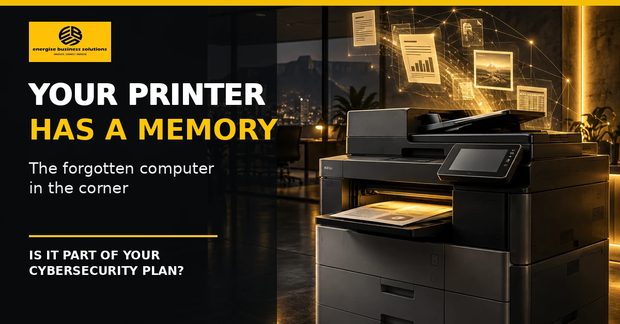
The multifunction printer in an SME is often treated as office furniture. Modern devices are better understood as networked computers that print, copy, scan, email, authenticate users and, depending on the model and configuration, store job data. The practical risk begins when nobody knows what the device can store, who can administer it, where scans are sent, or what happens to its data when it leaves the premises.
What the report covers
- A printer is part of the network
- What may remain on the device
- Where everyday workflows create exposure
- The risks that do not end at the printer
- How POPIA changes the consequence
- Secure printing as a workflow, not a tick box
- The highest-risk moment: when the device leaves
- The 15-minute printer security check
- Questions to ask before signing or renewing a contract
Key points
- Five questions start any review: who has administrator access and are default credentials still active; is the firmware supported and current; which scan, email, cloud and folder destinations are configured; does the device hold internal storage and how is it protected; and what verified sanitisation applies before return, resale, repair or disposal.
- A printer should appear in the same asset register, access review, update process and disposal procedure as any other networked business technology.
- Storage, retention, encryption and erase functions differ by device. Not every printer keeps an archive, but nobody should be guessing which.
- The riskiest moment is the end of a rental, when a machine that has scanned identity documents, banking confirmations, contracts and payroll leaves the building.
Read the full report
The complete report, with the checklists and the decision record, is free to download.