- Published
- August 2026
- Length
- 7 pages
- Written for
- Office managers, IT managers and anyone whose business relies on scan-to-email.
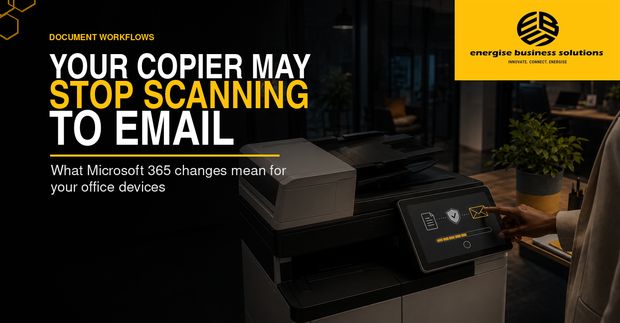
A multifunction printer can keep copying and printing normally while its scan-to-email function fails. The reason may have nothing to do with the scanner. It may be the way the device signs in to Microsoft 365.
What the report covers
- What is changing, and on what timetable
- Basic Authentication, OAuth 2.0 and SMTP relay
- Firmware and TLS requirements
- Which devices and applications are affected
- Who owns the change and who tests it
- A readiness review you can run now
Key points
- Microsoft is phasing out Basic Authentication for SMTP AUTH in Exchange Online. On its January 2026 timetable, behaviour stays unchanged through December 2026, after which it is disabled by default for existing tenants, though administrators can re-enable it temporarily. Final removal is expected to be announced in the second half of 2027.
- Devices that send mail with a stored username and password may need supported firmware, OAuth 2.0 configuration, newer TLS cipher suites and changes inside Microsoft 365.
- Some older models cannot support the required combination at all, which makes this a budgeting question as much as a technical one.
- List every printer, scanner, application and device that sends mail through your tenant, confirm how each authenticates, and test the replacement configuration before the deadline.
Read the full report
The complete report, with the checklists and the decision record, is free to download.